Features overview
This overview maps UI capabilities by area. For endpoint-level details, use the API reference.
| Area | What do I see? | What can I do? | When should I use it? |
|---|---|---|---|
| Clusters / Fleet overview | Cluster list with reachability, security tags (TLS, SR, PRIVATE, PROD, LIMITED), and KPI cards |
Select clusters, compare status, and open detail areas | Start-of-day checks and multi-cluster status review |
| Topics | Filterable topic table with partitions, RF, messages, rate, lag | Search, filter and sort topics, open topic detail | Topic-level producer/consumer analysis |
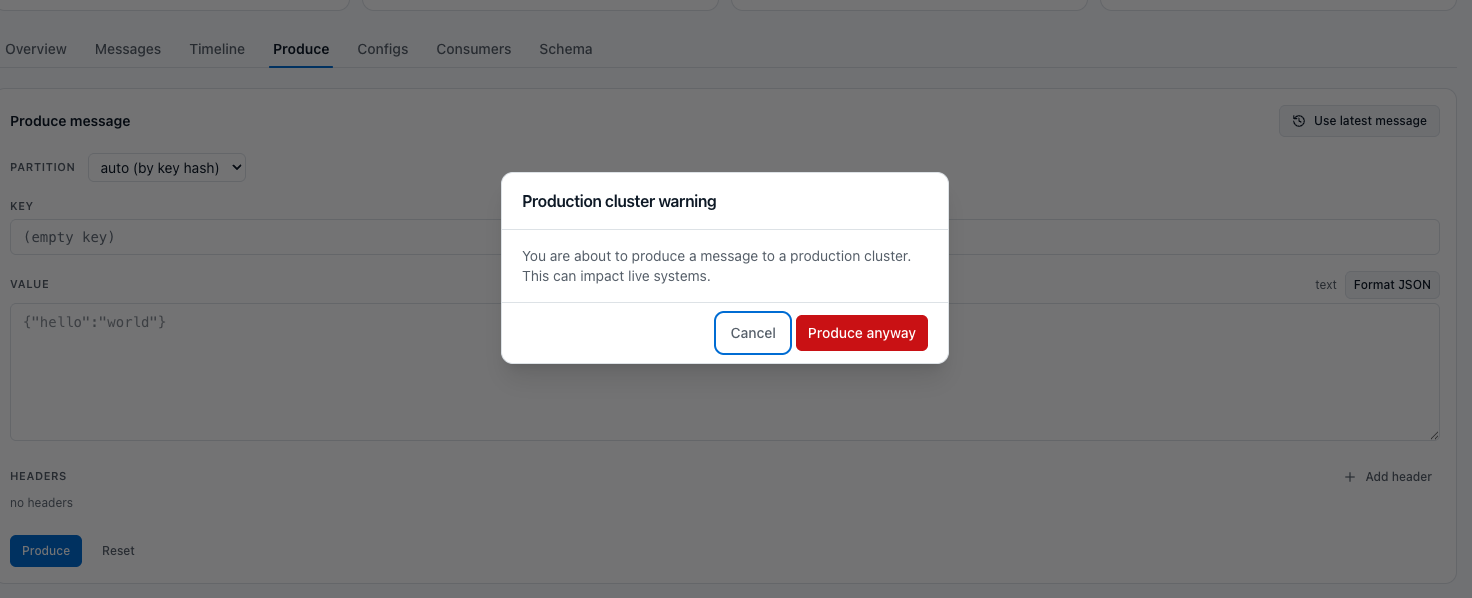
| Topic detail | Tabs: Overview, Messages, Timeline, Produce, Configs, Consumers, Schema | Browse/search messages, inspect time trends, produce test messages, view consumers (with production confirmation when cluster is marked PROD) | Operational analysis of a single topic |
| Compare messages | Two records side by side: verdict per key, value and headers, line diff, header table, metadata and fingerprints | Compare exactly or semantically (JSON key order, XML attribute order), optionally ignore array or element order; start with Select for compare on one message and Compare with selected on another | Verify replicated, copied or transformed records across topics and clusters |
| Audit snapshot | Button on an expanded message | Download a PNG with capture date and time, user, cluster name, topic, partition, offset, key, fingerprint and value (Workflow 7) | Test evidence and audit documentation |
| Consumer groups | Group list with state, members, topics, lag, plus detail panel with members/offsets | Check lag, understand partition offsets, reset offsets, delete group (Empty/Dead only) | Consumer troubleshooting, rebalance analysis, backlog triage |
| Schemas | Subject list, version status, schema detail with references/compatibility | Browse subjects, inspect versions, soft-delete subject | Validate payload structures and registry status |
| Security | Tabs for ACLs and SCRAM users | Create/delete ACL rules, create/rotate/delete SCRAM users | Access-control troubleshooting and security operations |
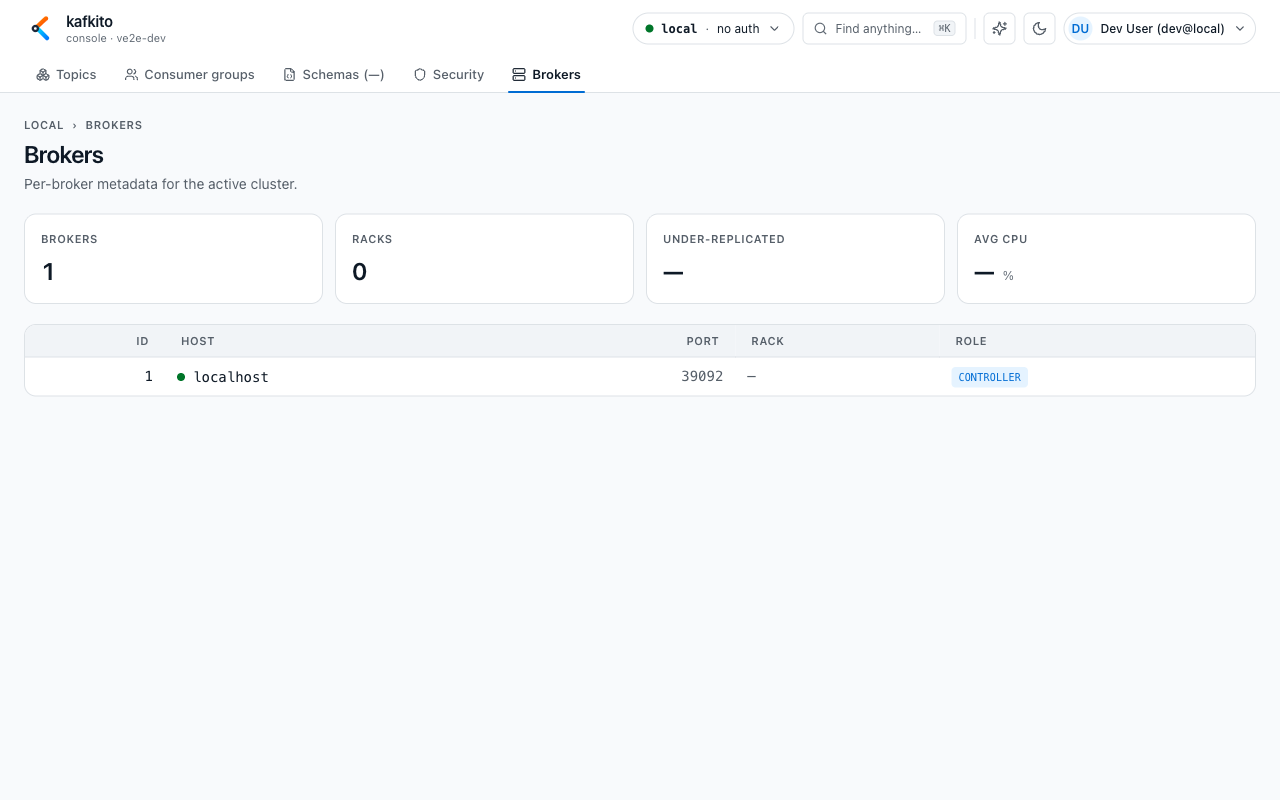
| Brokers | Broker metadata (ID, host, port, rack, controller) and baseline KPIs | Verify broker topology and role assignment | Cluster infrastructure checks |
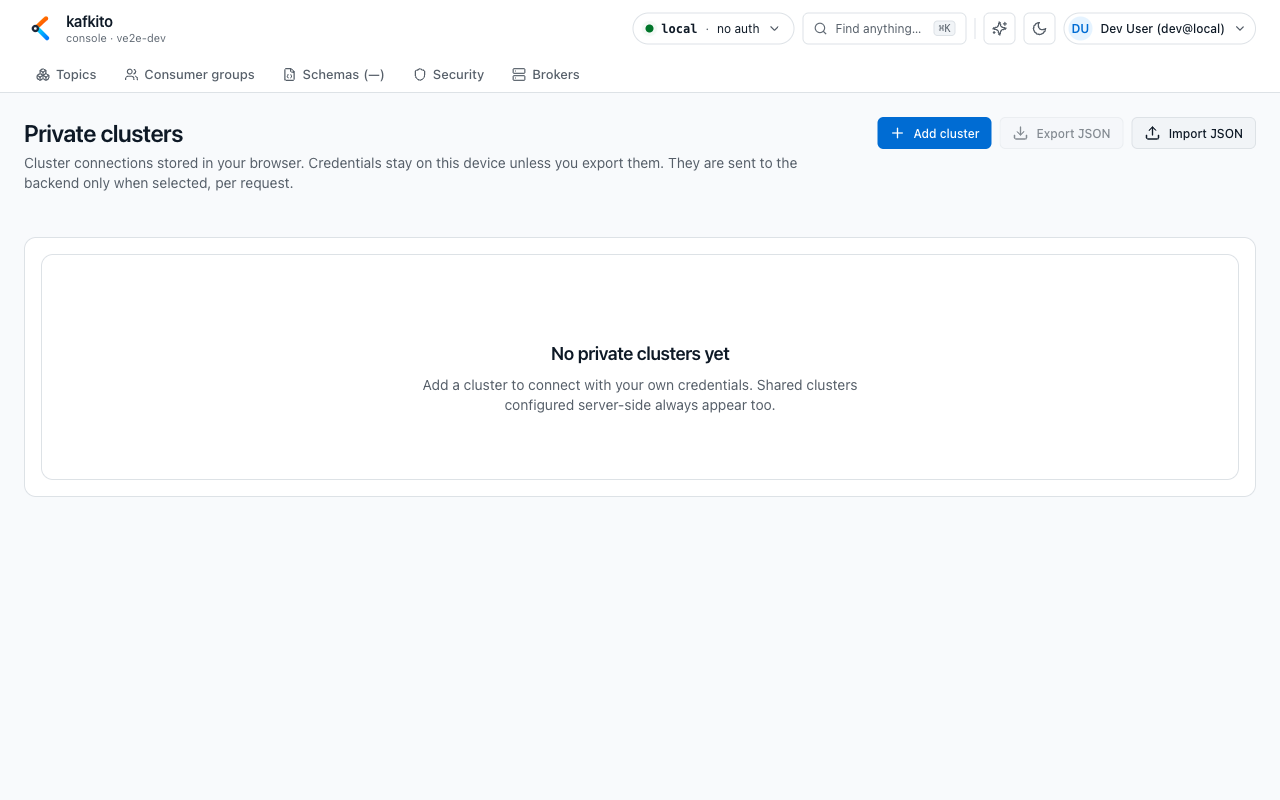
| Settings / Private clusters | Browser-local cluster connections with auth/TLS/SR config | Add, test, edit, delete clusters; import/export JSON | Personal cluster access without server-side config |
Current UI boundaries
What do I see?
Some controls are intentionally visible but not yet active (coming soon), such as parts of schema evolution and placeholder filters.
What can I do?
Use the active tabs for core operations and switch to the API reference for deeper automation.
When should I use this?
Use this when a feature appears in UI but is intentionally unavailable today.
Screenshot samples (local Docker Kafka)